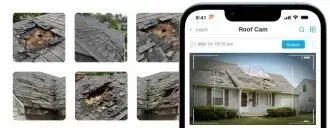


Photo Documentation

Loved by +1000's
4.8
RoofPilot Cam: Win More Jobs With Professional
Inspection Reports
Document roof damage, organize inspection photos, and instantly generate professional reports that help homeowners clearly see the problem so they can confidently take the next step.
Core Features
Beautifully Organized Reports That
Move the Job Forward
Stay organized on every job with built-in checklists that guide your crew and documentation that protects your business.
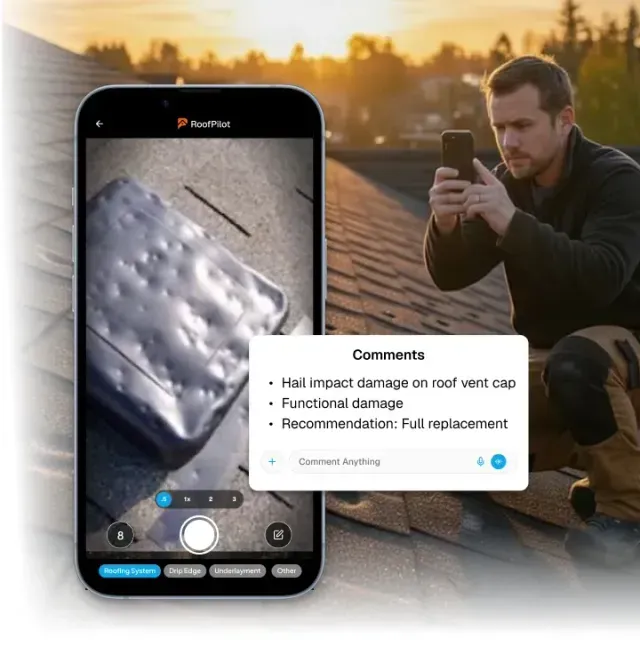
RoofPilot helps roofers document damage with organized photos that clearly show the condition of the roof. Every image is automatically tied to the job and can be labeled with notes, making it easy to highlight issues like hail damage, lifted shingles, flashing problems, or structural concerns.
Instead of relying on explanations alone, roofers can present clear visual proof that helps homeowners fully understand the problem.
Key Features:
- Photos auto-organized under the correct job — no manual filing
- GPS location and timestamp embedded on every photo
- Multiple team members capture to the same job simultaneously
Document Roof Damage With Clear Visual Proof
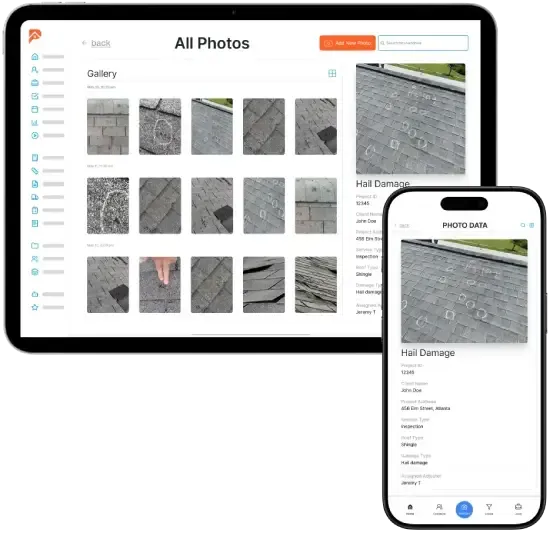
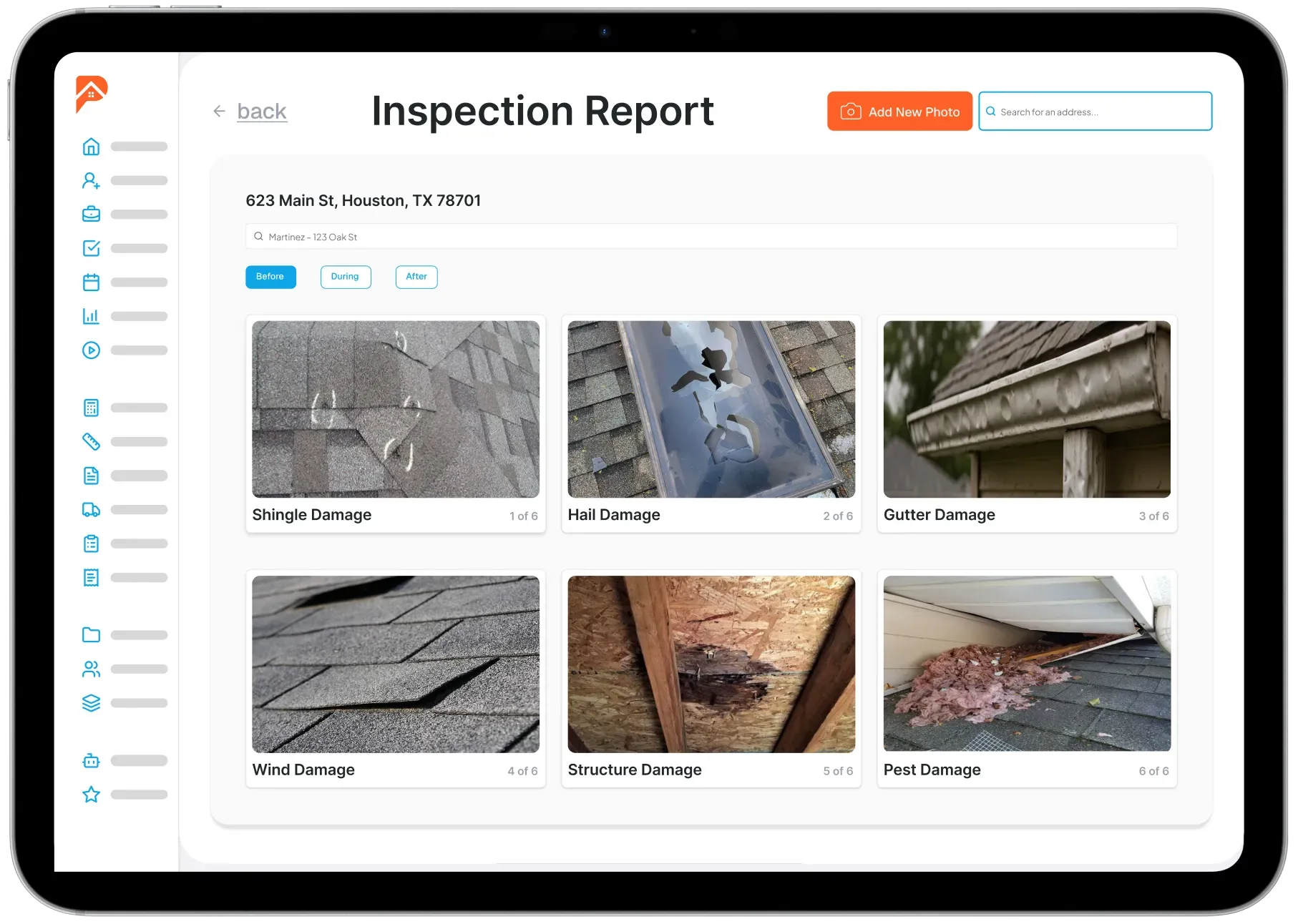
RoofPilot transforms inspection photos into clean, professional reports that roofers can instantly share with homeowners. Each report organizes damage photos, notes, and key findings into a clear format that homeowners can easily understand.
RoofPilot can also generate accessory reports to document additional components like gutters, vents, flashing, and other roof accessories—helping ensure nothing is overlooked during the inspection.
Key Features:
- Pre-job condition documentation from the initial site visit
- Progress photos captured throughout installation
- Completion documentation for warranty, review, and referral
- Searchable by job, date, customer name, or property address
- Accessible from office and field at any time
Turn Inspections Into Professional Reports
RoofPilot continues to provide value throughout the entire project by allowing roofers to document every phase of the installation. From tear-off and decking to underlayment, shingle installation, and ventilation, roofers can capture photos and keep a complete visual record of the work being performed. This documentation keeps crews accountable, protects the roofer, and provides homeowners with full transparency throughout the installation process.
Key Features:
- Annotation tools: circles, arrows, and text directly on photos
- One-tap professional PDF photo report generation
- Shareable homeowner gallery links — no app or account required on their end
- Branded reports with your company information
- PDF reports ready for insurance adjusters and dispute documentation
Document Every Phase of the Installation
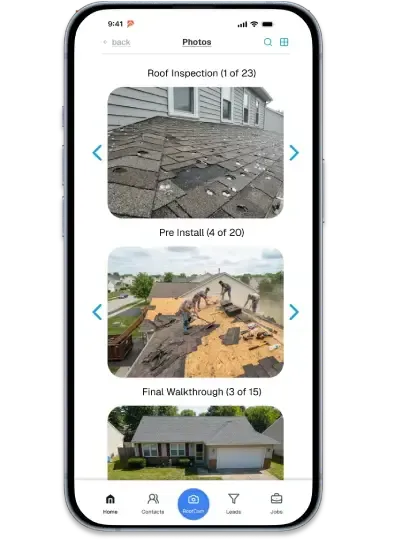
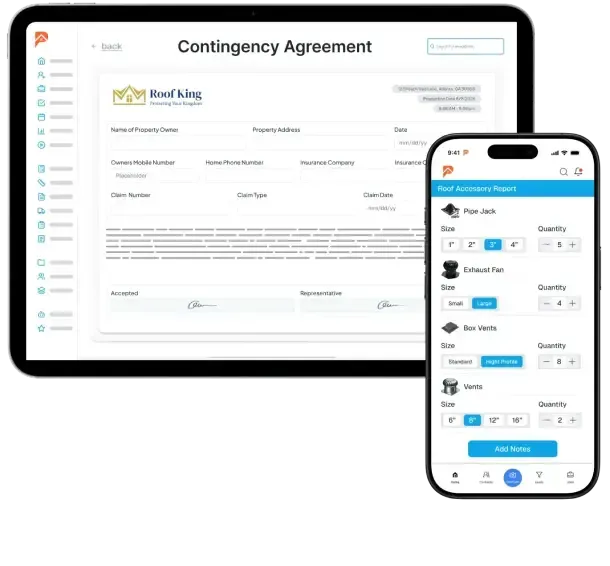
RoofPilot keeps every stage of the job organized in one place—allowing roofers to create inspection and accessory reports, generate contingency agreements, and capture final walkthrough photos without switching between tools. This centralized system helps roofing companies operate more efficiently while delivering homeowners a professional, organized experience from inspection to completion.
Key Features:
- Create inspection and accessory reports directly from the job file
- Generate contingency agreements with optional homeowner signatures
- Capture progress photos during installation (decking, underlayment, installation)
- Document the final walkthrough with completed roof photos from all angles
- Automatically organize reports, agreements, and photos by job phase
Manage Reports, Agreements, and Final
Walkthroughs in One Organized System
More Features
RoofCam Amplifies Your Workflow
Accurate job site documentation is the foundation of every job. RoofPilot connects your RoofCam photos directly to proposals, customer records, and reports. No re-entering data. No switching between apps. One photo flows through your entire workflow.
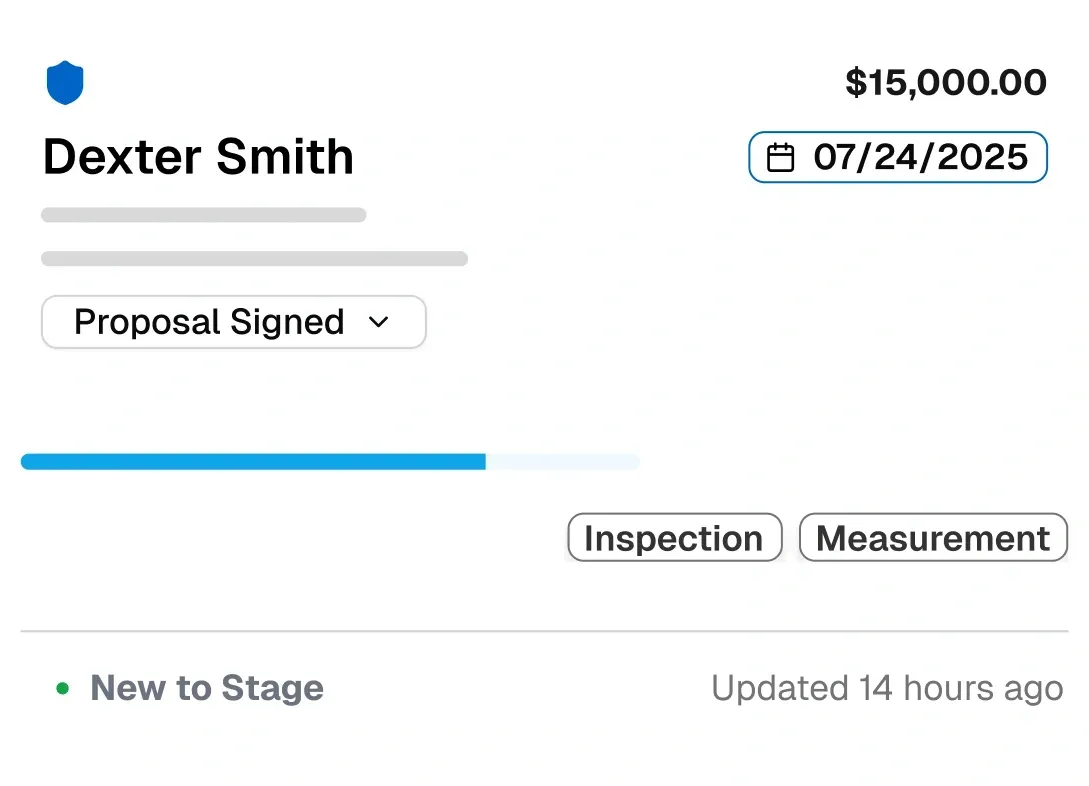
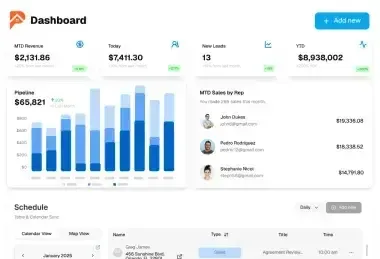
Keep your entire operation organized with a central hub for every active project. Monitor progress, manage details, and move jobs forward without the back-and-forth.
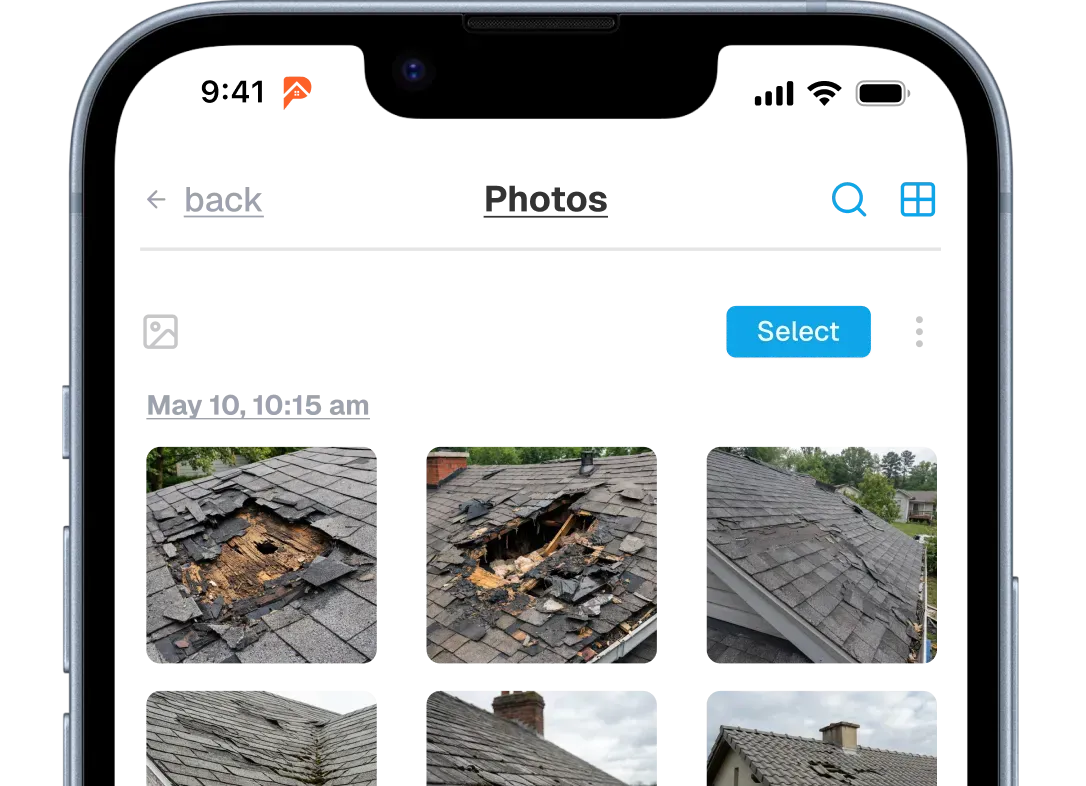
Document every job with photos organized automatically by property and date. Build a visual record that protects your business and showcases your work.
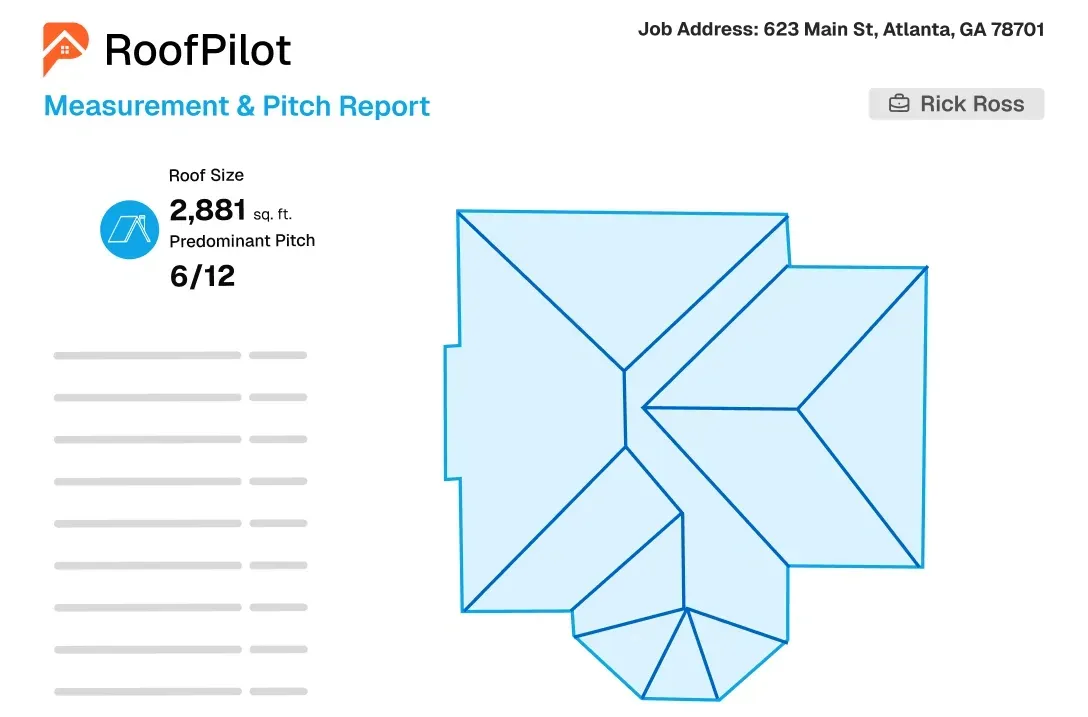
Get accurate roof measurements from satellite imagery in minutes. Receive detailed reports with pitch, area, and material quantities ready for estimating.
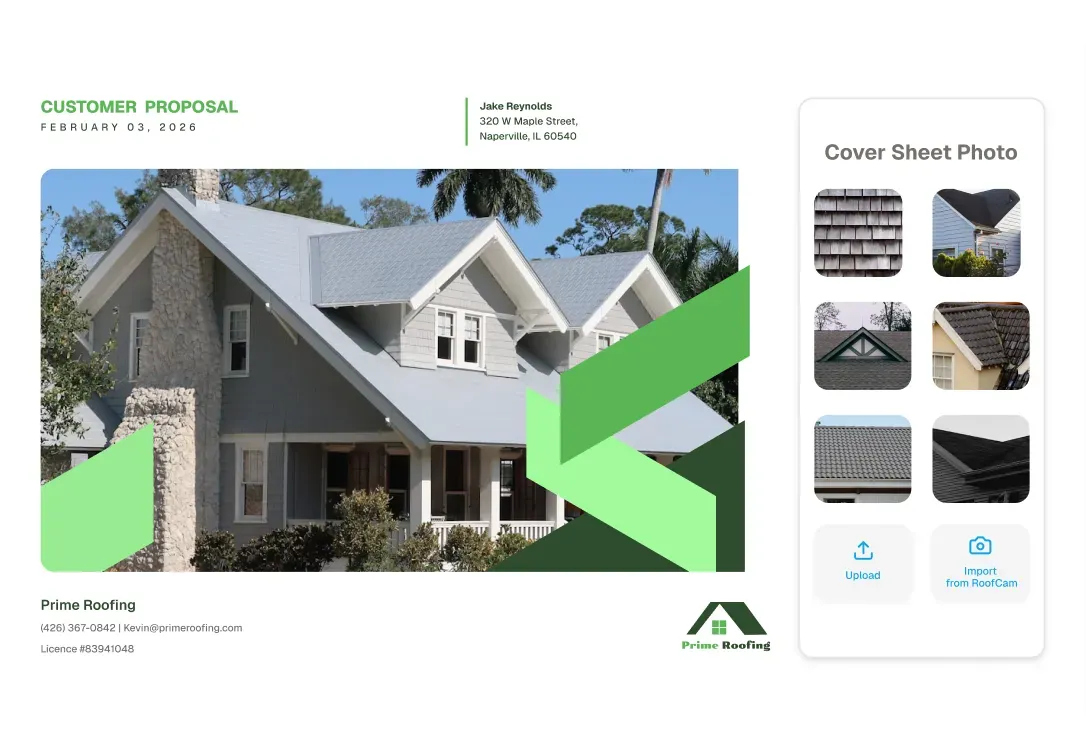
Create professional, branded proposals with photos, measurements, and pricing. Customers can review, compare options, and e-sign from any device.
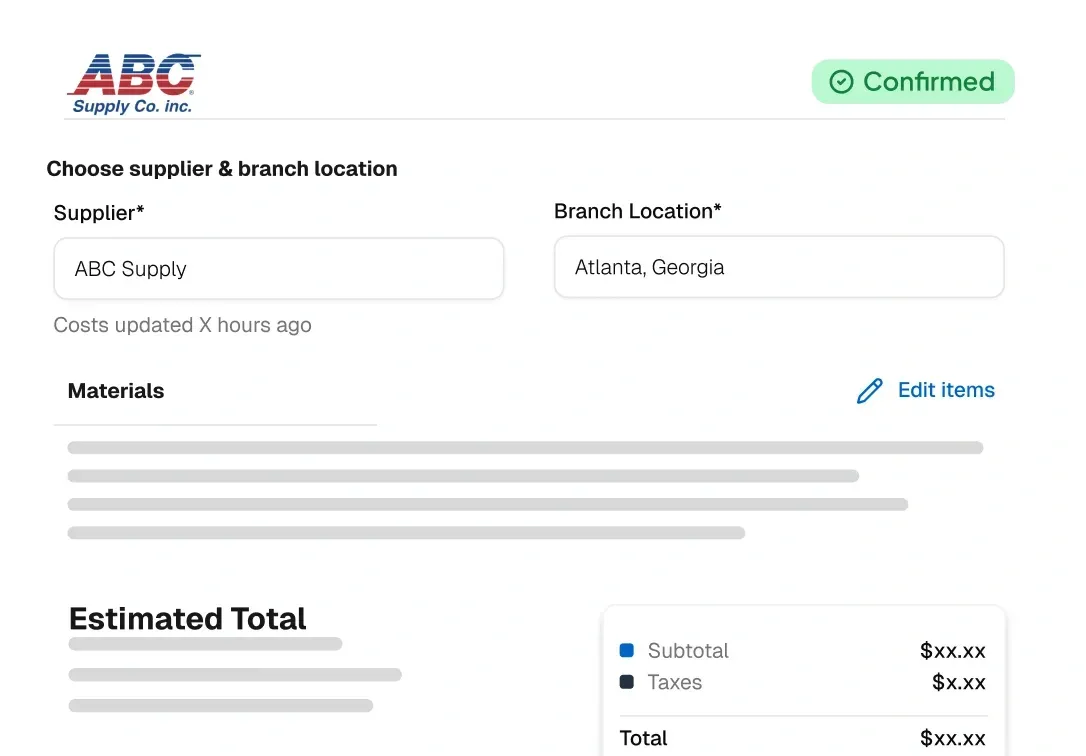
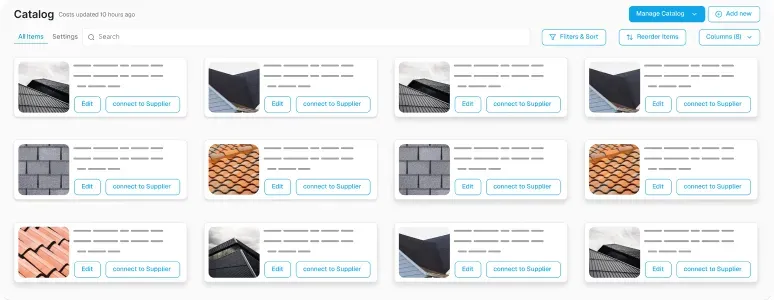
Order materials directly from suppliers without leaving the platform. Track delivery status and ensure everything arrives on-site when your crew needs it.
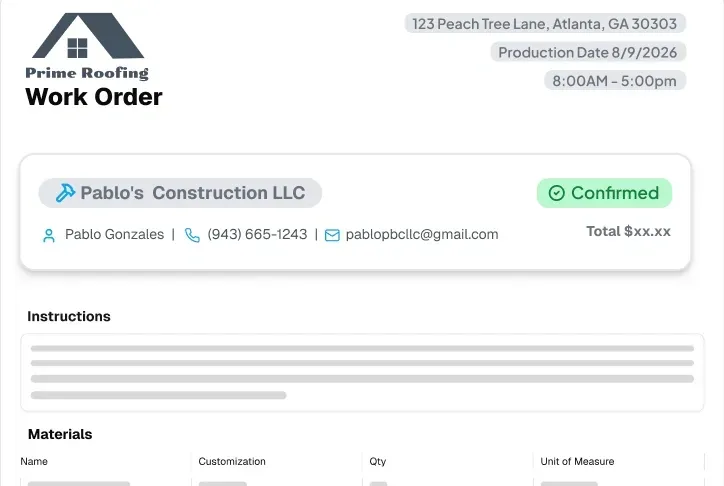
Work Orders
Generate work orders automatically from customer signed proposals. Crews get complete job details, material lists, and instructions in one place.
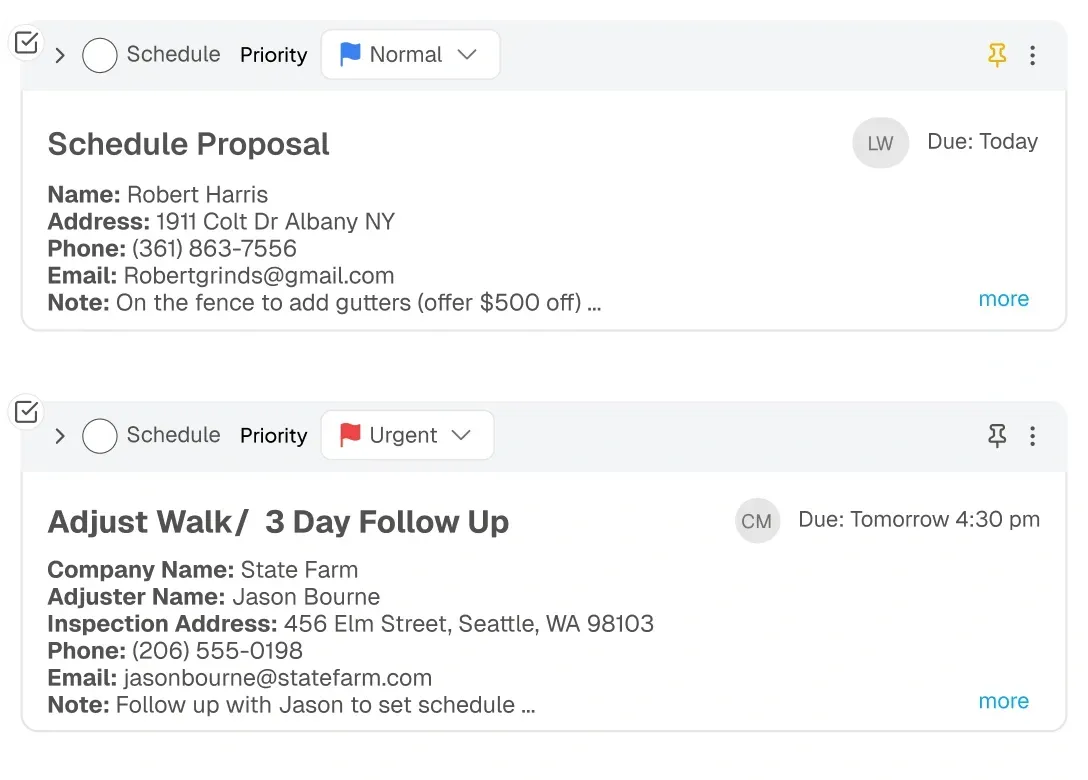
Assign tasks to your team and track completion in real time. Keep everyone involved accountable and ensure nothing slips through the cracks.
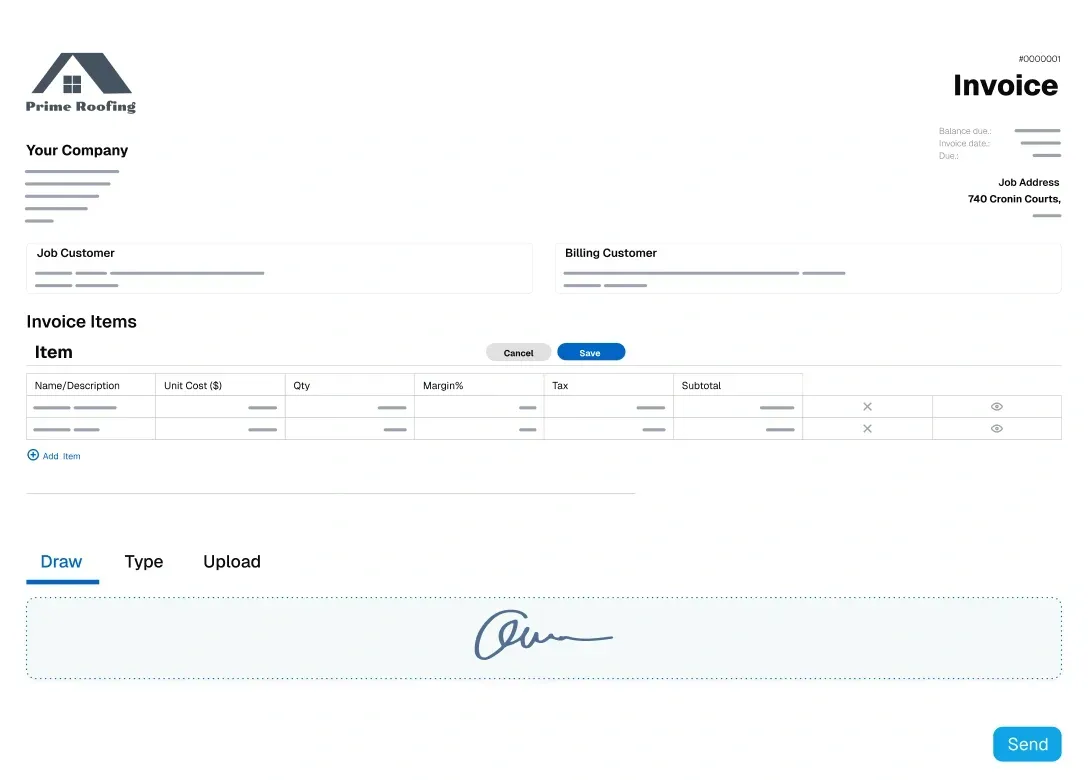
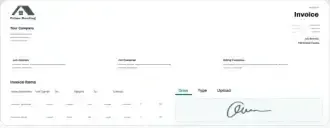
Send professional invoices and collect payments instantly via card or ACH. Get paid faster with automated reminders and online payment links.
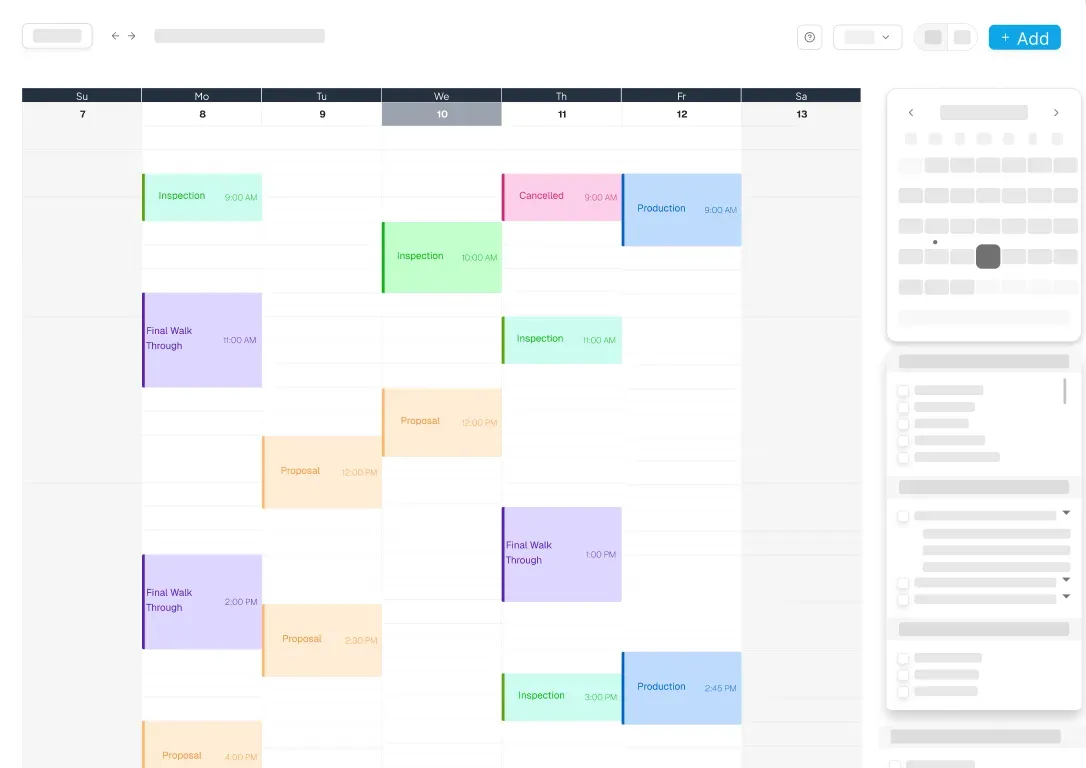
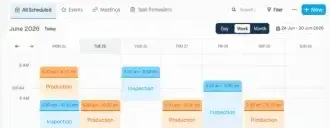
Schedule sales appointments, inspections, and assign crews to jobs. Keep everyone aligned with real-time updates if a schedule happens to change.
Reviews
Trusted By Roofing Professionals
Discover why roofing pros choose RoofPilot for streamlined ops and proven results. Users see big efficiency gains like faster closures and less waste, with tools built for real roofing challenges. Join the community transforming their businesses today.

Saving 10+ Hours a Month With AI Automation
"I was spending 15+ hours a week on estimates and proposals. Now it's 3 hours. RoofPilot gave me my weekends back while growing my business. Best roofing company software decision I've made."
Tools Providing Safer Workflows Serious Efficiency
"The measurement tool alone is worth it. We reduced material waste from 18% to 7%. That's thousands of dollars per month back in our pocket. Plus, no more dangerous roof climbs for measurements."
42% More Jobs in Six Months RoofPilot's Winning Edge
"RoofPilot helped us secure 42% more jobs within the first six months. The follow-up system paid back the software expense by a factor of ten. I'm frustrated we stuck with our previous roofing tool for so long."
Integrations




Frequently Asked Questions
Got questions about RoofCam? We've compiled answers to common questions on features, documentation, and how it connects to the rest of RoofPilot.
Does RoofCam require a separate app download?
No. RoofCam is built directly into the RoofPilot app. If you are already using RoofPilot on your phone or tablet, you already have RoofCam — no additional download or login required.
Can I share job site photos with homeowners without them creating an account?
Yes. RoofCam lets you share a gallery link with homeowners that they can view on any device — no app download or account signup required on their end.
How does RoofCam connect to proposals in RoofPilot?
Photos captured with RoofCam are available directly inside your proposal workflow in RoofPilot. You can add job site photos to any proposal without switching apps, downloading files, or manually uploading images.
Can I use RoofCam photos for insurance documentation?
Yes. RoofCam captures timestamped, location-tagged photos and can generate professional PDF photo reports — making it well-suited for documenting pre-existing conditions, storm damage, and completed work for insurance claims and dispute resolution.
Can multiple crew members take photos under the same job?
Yes. Every RoofPilot user on your team can capture photos on the job site. All photos flow into the same job record automatically, so the office always has complete visibility without anyone having to consolidate photos manually.
How are roofing job photos organized in RoofCam?
Photos taken with RoofCam are automatically organized under the correct job record the moment they are captured. You can also add custom tags and labels for faster searching. No manual filing required.
Can I capture video as well as photos?
Yes. RoofCam supports both photo and video capture from any device. Video works the same way as photos — automatically organized under the correct job record, accessible to the office in real time, and available to include in documentation and reports.
Are my job site photos backed up automatically?
Yes. Photos captured through RoofCam are stored in the cloud as part of your RoofPilot account — not just on the device that took them. If a phone is lost, replaced, or damaged, your job site documentation is still intact and accessible from any device.