

Invoicing For Roofing

Loved by +1000's
4.8
Digital Payments
& Automated Invoicing
Stop chasing checks and waiting weeks to get paid. RoofPilot's payment system lets customers pay instantly—by credit card, ACH or financing—while you track every dollar automatically.
Core Features
Get Paid Faster
With Less Hassle
Stop chasing payments. RoofPilot makes invoicing simple with one-click invoice generation, built-in payment processing, and automatic reminders—so you get paid faster without the hassle.
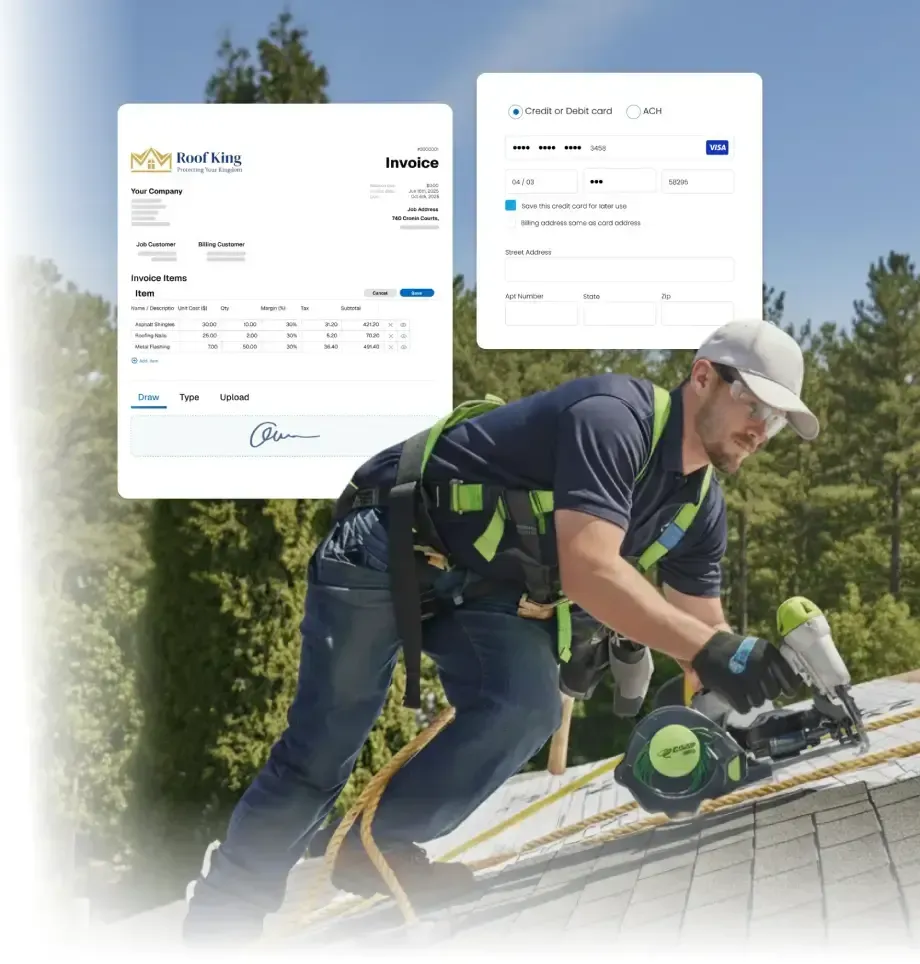
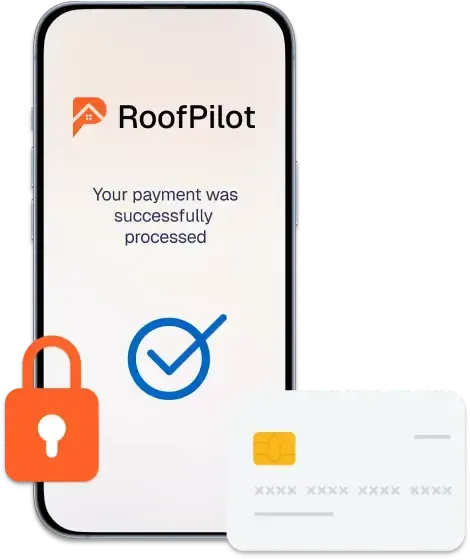
Give customers the flexibility to pay however they want—credit card, debit card, ACH bank transfer or even financing options. RoofPilot integrates with Stripe for secure, reliable payment processing. All major cards accepted with industry-leading security.
Key Features:
- All major credit and debit cards
- ACH bank transfers
- Optional financing through partners
- PCI-compliant security
Accept Any Payment Method Your Customers Prefer
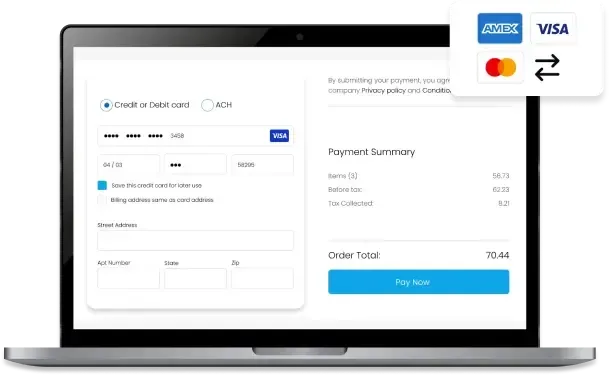
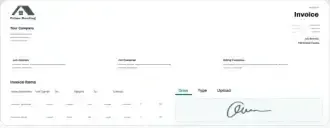
When a customer accepts your proposal, RoofPilot automatically generates an invoice with all the right details—materials, labor, pricing—and sends it immediately. No re-entering data. No copy-paste errors. Just instant, accurate invoices that get paid fast.
Key Features:
- One-click conversion from proposal to invoice
- Automatic line-item population
- Customizable invoice templates with your branding
- Scheduled invoicing
- Progress billing for larger jobs
Turn Accepted Proposals Into Invoices Instantly
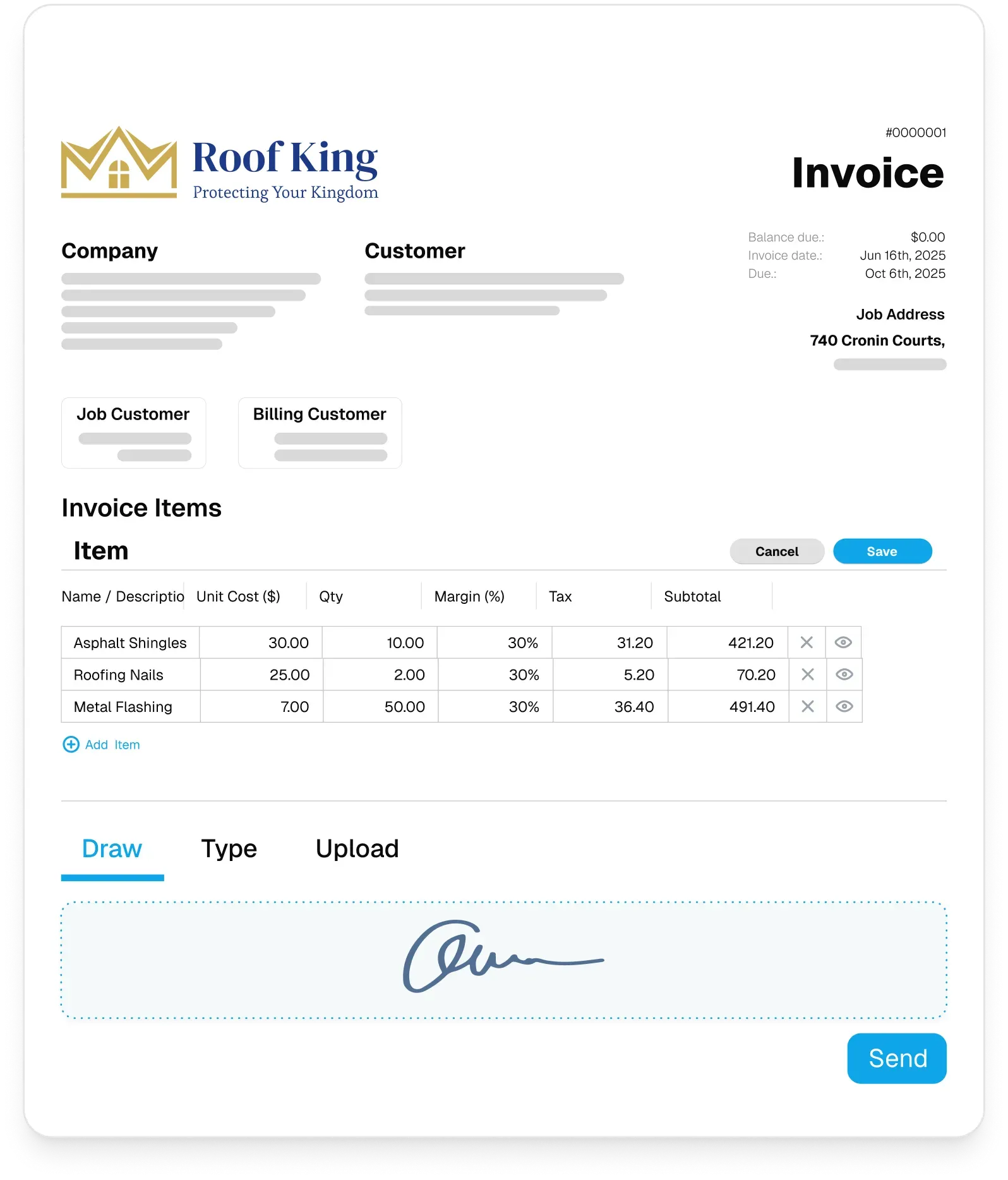
Processing payments means handling sensitive financial data. RoofPilot uses Stripe—the same payment infrastructure trusted by Amazon, Google and millions of businesses worldwide—to keep your customers' payment information secure. You focus on roofs, we handle security.
Key Features:
- PCI DSS Level 1 certified
- Encrypted payment data—never stored on our servers
- Fraud detection and prevention
- Automatic compliance updates
- Secure customer payment portal
Secure Payment Processing & Compliance
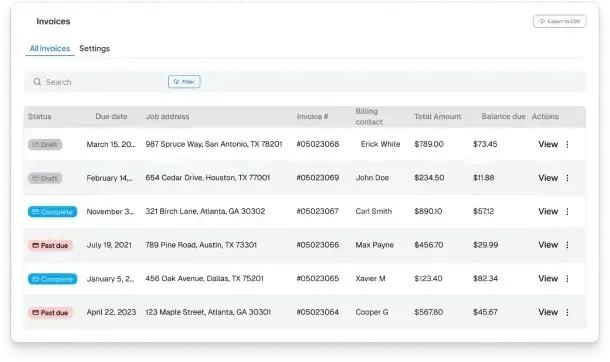
All payments flow directly into RoofPilot's dashboard—and optionally sync with QuickBooks, Xero or your accounting software. See which customers have paid, which invoices are outstanding and exactly where your cash flow stands. Tax-ready records at year-end.
Key Features:
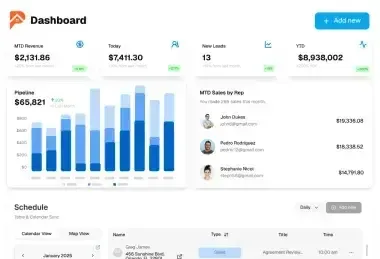
- Real-time payment dashboard
- Outstanding invoice tracking
- Payment history for every customer
- Automatic reconciliation with job costs
- Tax-ready records
Sync with QuickBooks Automatically
More Features
Invoicing That Fits Your Workflow
Invoices generate from signed proposals and completed jobs. Here's everything else that connects along the way.
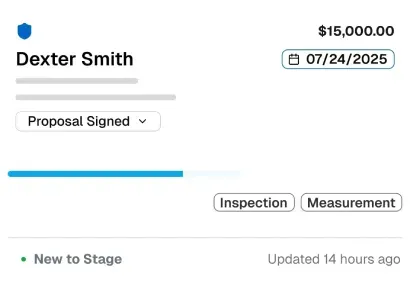
Keep your entire operation organized with a central hub for every active project. Monitor progress, manage details, and move jobs forward without the back-and-forth.
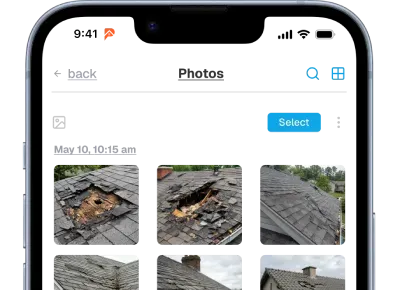
Document every job with photos organized automatically by property and date. Build a visual record that protects your business and showcases your work.
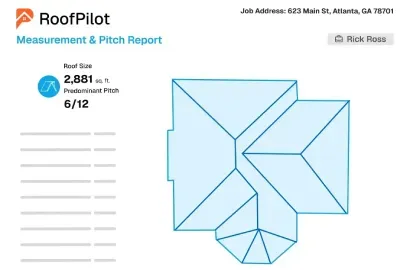
Get accurate roof measurements from satellite imagery in minutes. Receive detailed reports with pitch, area, and material quantities ready for estimating.
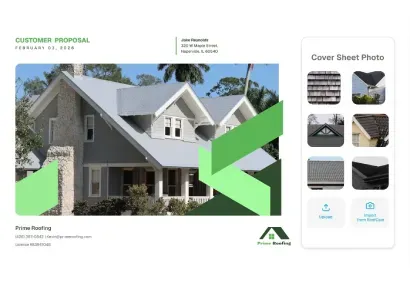
Create professional, branded proposals with photos, measurements, and pricing. Customers can review, compare options, and e-sign from any device.
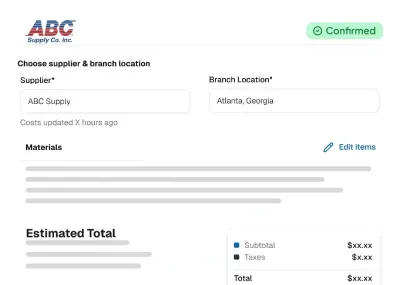
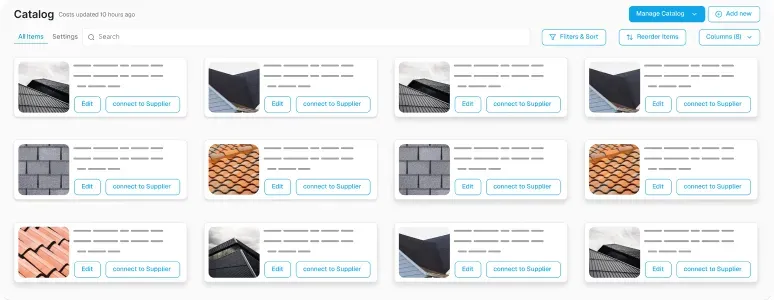
Order materials directly from suppliers without leaving the platform. Track delivery status and ensure everything arrives on-site when your crew needs it.
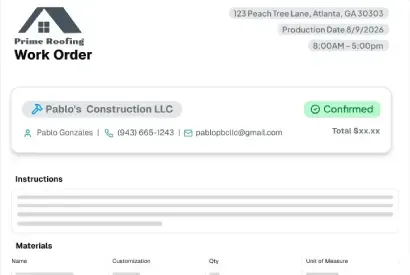
Work Orders
Generate work orders automatically from customer signed proposals. Crews get complete job details, material lists, and instructions in one place.
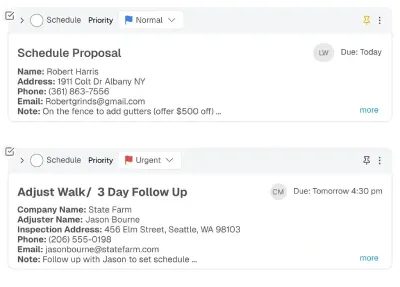
Assign tasks to your team and track completion in real time. Keep everyone involved accountable and ensure nothing slips through the cracks.
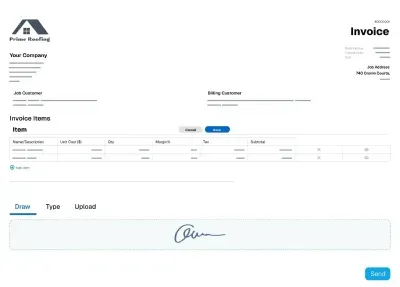
Send professional invoices and collect payments instantly via card or ACH. Get paid faster with automated reminders and online payment links.
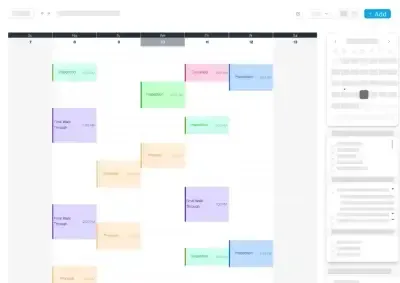
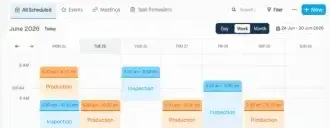
Schedule sales appointments, inspections, and assign crews to jobs. Keep everyone aligned with real-time updates if a schedule happens to change.
Reviews
Trusted By Roofing Professionals
Discover why roofing pros choose RoofPilot for streamlined ops and proven results. Users see big efficiency gains like faster closures and less waste, with tools built for real roofing challenges. Join the community transforming their businesses today.

Saving 10+ Hours a Month With AI Automation
"I was spending 15+ hours a week on estimates and proposals. Now it's 3 hours. RoofPilot gave me my weekends back while growing my business. Best roofing company software decision I've made."
Tools Providing Safer Workflows Serious Efficiency
"The measurement tool alone is worth it. We reduced material waste from 18% to 7%. That's thousands of dollars per month back in our pocket. Plus, no more dangerous roof climbs for measurements."
42% More Jobs in Six Months RoofPilot's Winning Edge
"RoofPilot helped us secure 42% more jobs within the first six months. The follow-up system paid back the software expense by a factor of ten. I'm frustrated we stuck with our previous roofing tool for so long."
Integrations




Frequently Asked Questions
Questions about invoicing and payments in RoofPilot? Here's what roofing professionals typically ask.
What payment methods can I accept?
RoofPilot supports credit cards, debit cards, ACH bank transfers, Apple Pay, and Google Pay. You can offer customers multiple payment options to make it easy for them to pay.
Can I create invoices from signed proposals?
Yes. Once a customer signs a proposal, you can generate an invoice with one click. All the line items, pricing, and job details carry over automatically, so you don't have to re-enter anything.
Does RoofPilot send payment reminders?
Yes. You can set up automatic payment reminders that go out before and after due dates. This reduces the time you spend chasing payments and helps you get paid faster.
Can customers pay online?
Yes. Invoices include a secure payment link that customers can use to pay from any device. They don't need to create an account or download anything, just click and pay.
Does RoofPilot integrate with accounting software?
Yes. RoofPilot integrates with QuickBooks and Xero. Invoices and payments sync automatically, keeping your books up to date without manual data entry.
Can I collect deposits before starting a job?
Yes. You can request partial payments or deposits upfront. RoofPilot tracks payment history for each job, so you always know what's been collected and what's still owed.
How do I track outstanding invoices?
RoofPilot provides a clear view of all invoices and their payment status. You can filter by paid, unpaid, or overdue to see exactly where your receivables stand.
Are payments secure?
Yes. All payment processing is handled through secure, PCI-compliant systems. Customer payment information is protected, and transactions are encrypted.