

Scheduling

Loved by +1000's
4.8
Your Roofing Operations,
Organized, Scheduled, and Connected
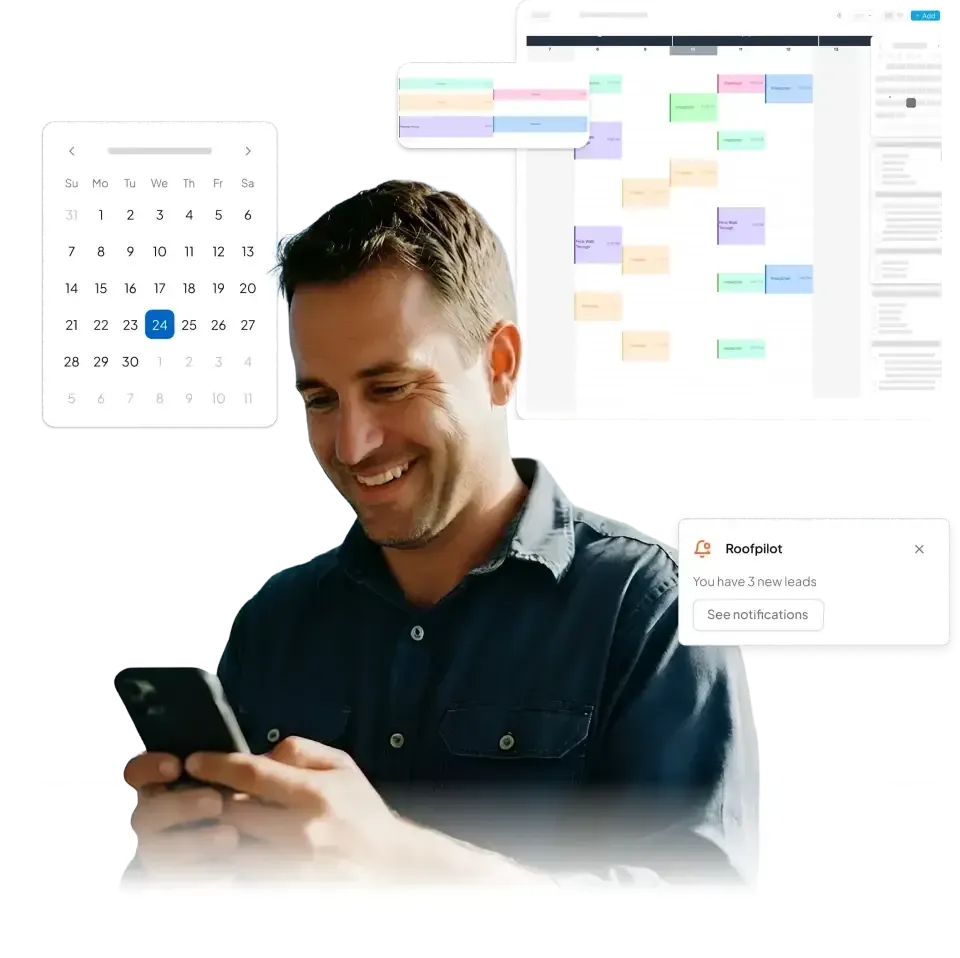
No more missed appointments or disconnected schedules. RoofPilot’s calendar keeps your entire operation organized in one platform, so every crew, job, and appointment stays on track.
Core Features
Everything You Need to Stay Organized
Comprehensive scheduling tools designed for roofing contractors—not generic calendar software that doesn't understand your business.
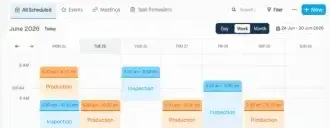
No more flipping through notebooks or scrolling through spreadsheets. RoofPilot's calendar gives you a visual overview of every scheduled job—day, week or month view. Color-code jobs by status, crew or job type, drag and drop to reschedule, and spot scheduling gaps instantly.
Key Features:
- Switch between day, week and month views
- Color-code jobs by status, crew or job type
- Filter by crew, location or customer
- Spot scheduling gaps and fill downtime
- See crew capacity at a glance
See All Your Jobs at a Glance
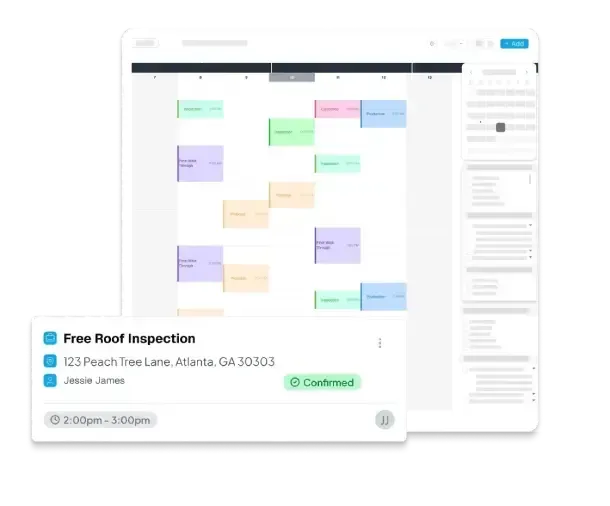
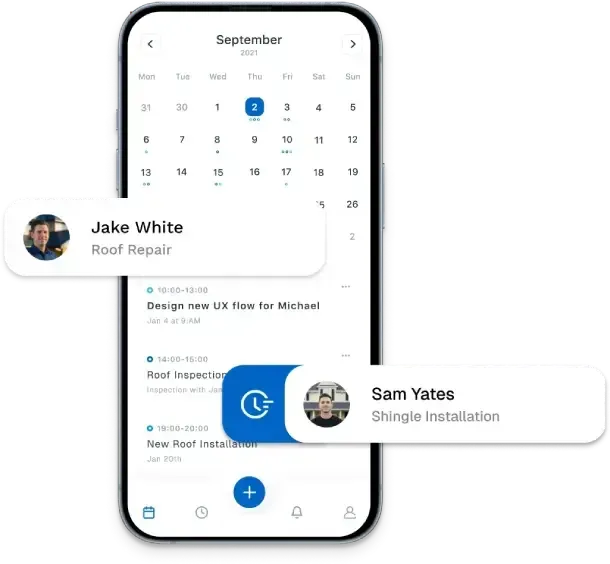
Assign specific crews to jobs, track who's available and prevent scheduling conflicts automatically. RoofPilot knows when crews are off, on vacation or already booked—so you never accidentally double-book your best foreman.
Key Features:
- Assign crews to specific jobs with one click
- Track crew availability and time off
- Set crew capacity (max jobs per day/week)
- Get alerts for scheduling conflicts
- Match experienced crews to complex jobs
Match the Right Crew to Every Job
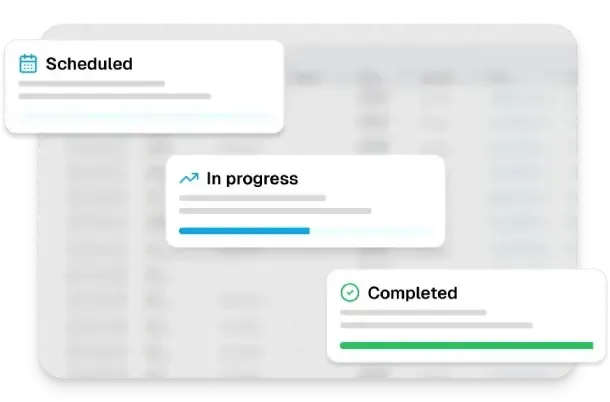
Jobs move from "Scheduled" to "In Progress" to "Completed" automatically as crews update status from their mobile app. You see real-time progress without making phone calls. Always know exactly where every job stands.
Key Features:
- Track job status (scheduled, in progress, delayed, completed)
- Crews update status from mobile with one tap
- Office sees real-time progress on dashboard
- Automatic notifications when status changes
- Flag delayed jobs for immediate attention
Know Where Every Job Stands in Real-Time
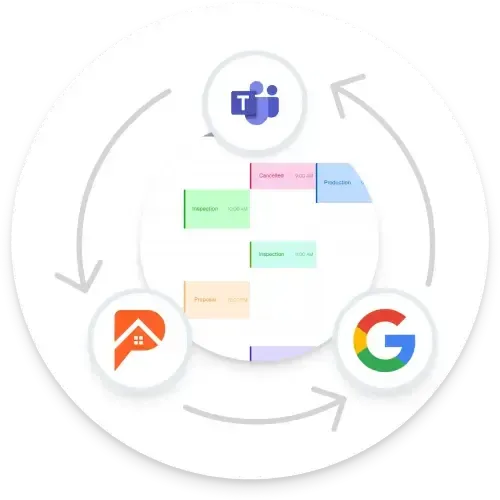
RoofPilot integrates with Google Calendar and Outlook so your schedule lives wherever you need it. No switching apps, no double-entry, no missed appointments.
Key Features:
- Two-way sync with Google Calendar
- Connect to Outlook
- See RoofPilot jobs alongside personal appointments
- Updates sync automatically across all devices
- Your team stays current without learning a new system
Sync With the Calendars You Already Use
More Features
Scheduling Connected to Everything
Your calendar ties jobs, crews, and deadlines together. See how it works alongside the rest of your workflow.
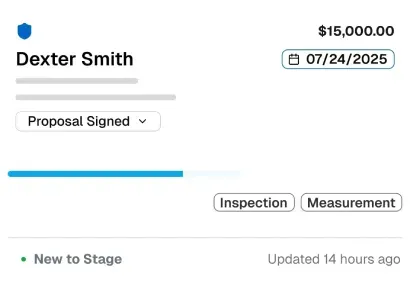
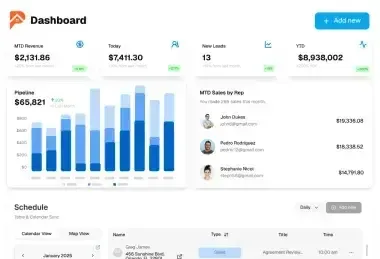
Keep your entire operation organized with a central hub for every active project. Monitor progress, manage details, and move jobs forward without the back-and-forth.
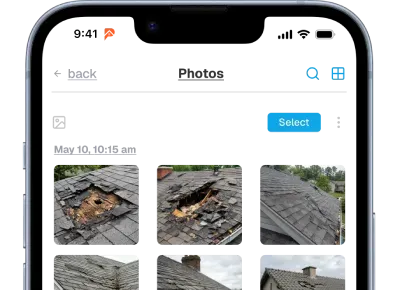
Document every job with photos organized automatically by property and date. Build a visual record that protects your business and showcases your work.
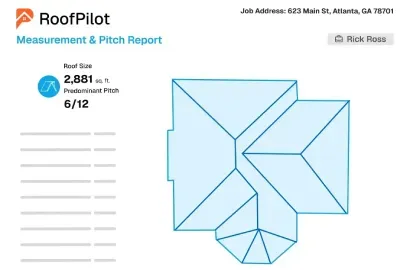
Get accurate roof measurements from satellite imagery in minutes. Receive detailed reports with pitch, area, and material quantities ready for estimating.
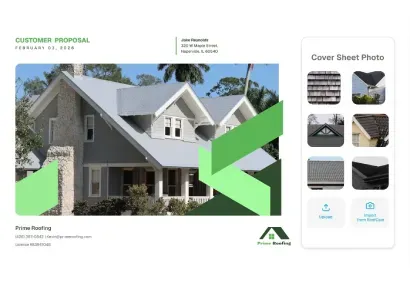
Create professional, branded proposals with photos, measurements, and pricing. Customers can review, compare options, and e-sign from any device.
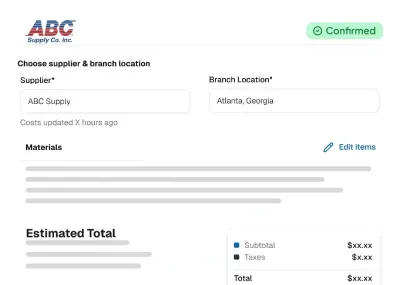
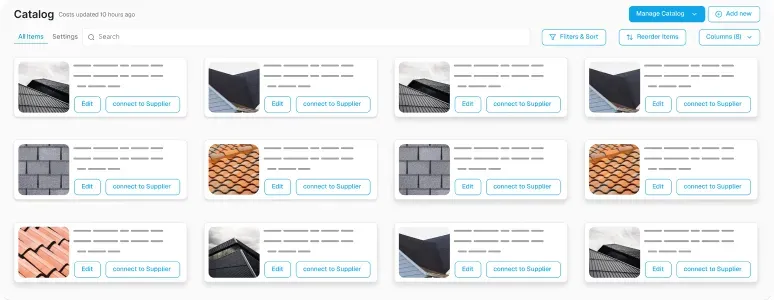
Order materials directly from suppliers without leaving the platform. Track delivery status and ensure everything arrives on-site when your crew needs it.
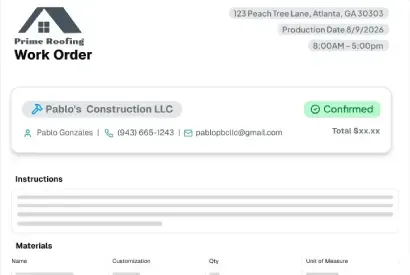
Work Orders
Generate work orders automatically from customer signed proposals. Crews get complete job details, material lists, and instructions in one place.
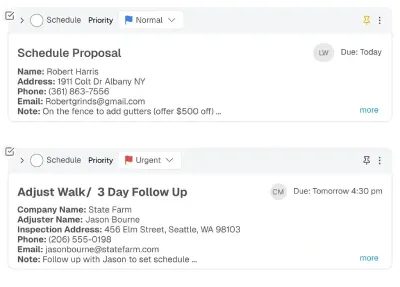
Assign tasks to your team and track completion in real time. Keep everyone involved accountable and ensure nothing slips through the cracks.
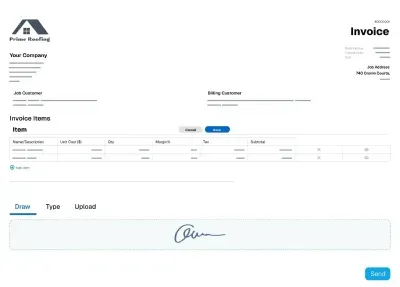
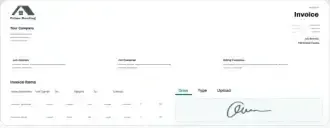
Send professional invoices and collect payments instantly via card or ACH. Get paid faster with automated reminders and online payment links.
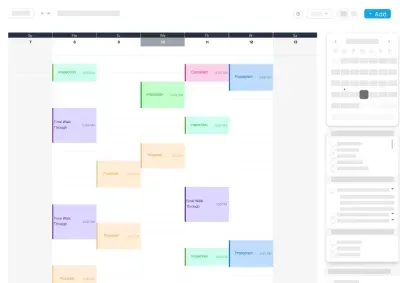
Schedule sales appointments, inspections, and assign crews to jobs. Keep everyone aligned with real-time updates if a schedule happens to change.
Reviews
Trusted By Roofing Professionals
Discover why roofing pros choose RoofPilot for streamlined ops and proven results. Users see big efficiency gains like faster closures and less waste, with tools built for real roofing challenges. Join the community transforming their businesses today.

Saving 10+ Hours a Month With AI Automation
"I was spending 15+ hours a week on estimates and proposals. Now it's 3 hours. RoofPilot gave me my weekends back while growing my business. Best roofing company software decision I've made."
Tools Providing Safer Workflows Serious Efficiency
"The measurement tool alone is worth it. We reduced material waste from 18% to 7%. That's thousands of dollars per month back in our pocket. Plus, no more dangerous roof climbs for measurements."
42% More Jobs in Six Months RoofPilot's Winning Edge
"RoofPilot helped us secure 42% more jobs within the first six months. The follow-up system paid back the software expense by a factor of ten. I'm frustrated we stuck with our previous roofing tool for so long."
Integrations




Frequently Asked Questions
Questions about scheduling and calendar features in RoofPilot? Here's what roofing professionals want to know.
How does the calendar work?
RoofPilot's calendar gives you a visual overview of all scheduled jobs, crew assignments, and deadlines. You can view by day, week, or month and drag-and-drop to reschedule as needed.
Can I assign jobs to specific crews?
Yes. You can assign jobs to individual crew members or entire teams. The calendar shows who's working on what, so you can balance workloads and avoid overbooking.
How do I see crew availability?
The calendar displays crew availability at a glance. You can see who's scheduled, who's available, and quickly identify gaps or conflicts before they become problems.
What happens when schedules change?
When you reschedule a job, RoofPilot automatically notifies affected crew members. No more phone calls or text chains to communicate changes. Everyone sees the updated schedule in real-time.
Can crews see their schedule on mobile?
Yes. Crews can access their schedule from the RoofPilot mobile app. They see job details, addresses, and any updates without needing to check in with the office.
Can I schedule material deliveries?
Yes. You can coordinate material deliveries alongside job schedules. This helps ensure materials arrive before your crew shows up, avoiding delays and wasted time.
Does the calendar connect to jobs and work orders?
Yes. Scheduled jobs link directly to work orders and customer records in your CRM. You can click on any scheduled item to see full job details, materials, and history.
Can I see my entire production schedule in one view?
Yes. The calendar provides a complete view of your production pipeline. You can see upcoming jobs, crew assignments, and deadlines across your entire operation, making it easier to plan ahead and manage capacity.